
How Napoleon Arrests Work
Napoleon serves as the Henry County seat. It counted 8,862 residents in the 2020 Census. Local law enforcement runs through two agencies. The Napoleon Police Department handles city policing. The Henry County Sheriff’s Office covers the whole county. An arrest connected to Napoleon could belong to either one. Trust the agency named on the record. Do not guess from an address.
Where does an arrested person go? The usual booking destination is the Corrections Center of Northwest Ohio, known as CCNO. It sits in Stryker. Booking records the person's identity, the charges, property held, and custody status. Napoleon Police may keep the incident report. CCNO creates the regional booking entry. A search of city records alone can miss that someone is in custody. Courts can later amend, reduce, or dismiss the charges shown at booking.
Where Napoleon Arrests Appear
Napoleon has no single arrest page to check. The city's official Police Reports page links accident reports, monthly and yearly summaries, and press releases, but it offers no live arrest roster, dated booking bulletin, or booking photo gallery. For current custody questions, start with CCNO. For incident details, go to the agency that made the arrest.
| Channel | What it shows | Photo? | Status |
|---|---|---|---|
| CCNO previous-day PDF | Short booking window | No photo in reviewed view | Official |
| CCNO seven-day PDF | Multi-day bookings and agency fields | No photo in reviewed view | Official |
| CCNO active roster | Current regional custody snapshot | No photo in reviewed view | Official |
| Napoleon Police Reports | Reports and press-release links | Not a booking gallery | Official |
| Local news and aggregators | Selective or copied records | Sometimes | Unofficial |
Start with the CCNO booking landing page. It links reports for both time windows and warns that the data changes fast. CCNO serves many agencies. Read the arresting-agency, case, and court fields in each row. A name in the PDF does not guarantee the arrest happened in Napoleon. The City of Napoleon Police Reports source lists the municipal report options. They are open to the public.
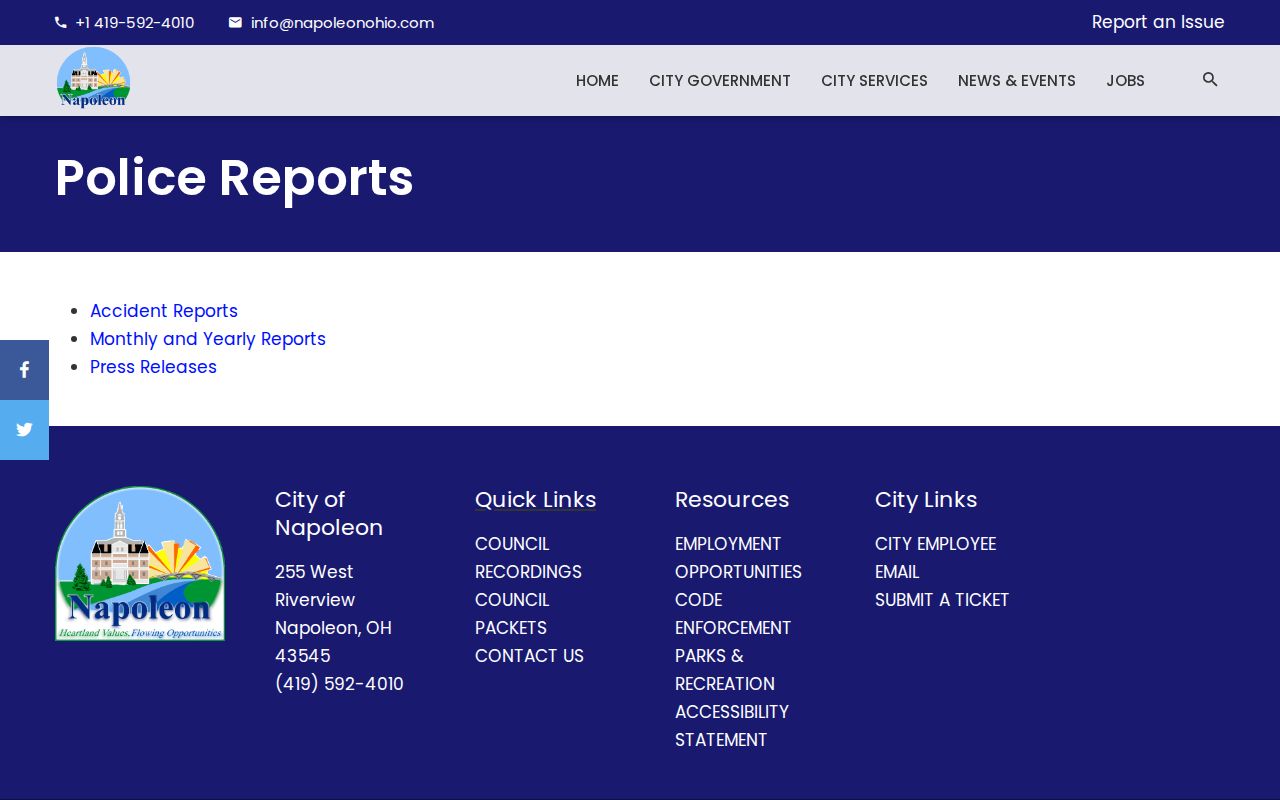
This captured interface helps distinguish city reports from CCNO’s current booking publications.
Finding a Napoleon Arrest Booking
Search the narrowest window first. Then widen it if the name does not appear. A person can be missing from a booking PDF for several reasons: the report boundary passed, the entry posted late, the name was spelled differently, or custody changed. CCNO replaces the two booking PDFs as it updates them, so treat them as current views rather than permanent archives.
- Open Arrests Last 24 Hours for the CCNO “Previous Day Bookings” route. The official label does not promise an exact rolling 24-hour span.
- Use the Police Blotter for the current seven-day window. Check the arresting-agency field for Napoleon Police or Henry County Sheriff.
- Check the CCNO active search when the question is whether the person is held now.
- Ask Napoleon Police for the incident report and CCNO for the booking sheet or intake photograph when the public views do not answer the question.
- Follow the case through the proper court, using identifiers such as booking date, case number, court, and agency to avoid a name-only mismatch.
The Henry County recent arrests hub lays out the full county record path in one place. Booking details are only part of that trail. A disposition comes later, when the court reaches an outcome such as a dismissal, a plea, or a judgment.
Napoleon Police Arrest Records
Ask Napoleon Police for the incident or arrest report directly. Provide a date, a location, and an agency case number. Add any names you know. The city publishes no set fee or turnaround. Do not assume CCNO's rules apply here. Request the public portions and let the records custodian mark any lawful redactions.
Napoleon Police Department310 Glenwood Avenue
Napoleon, OH 43545
Phone: 419-599-2810
Fax: 419-599-7969
The department's page gathers its contact and records links in one spot. For city-held arrest reports, begin at the official Napoleon Police website.
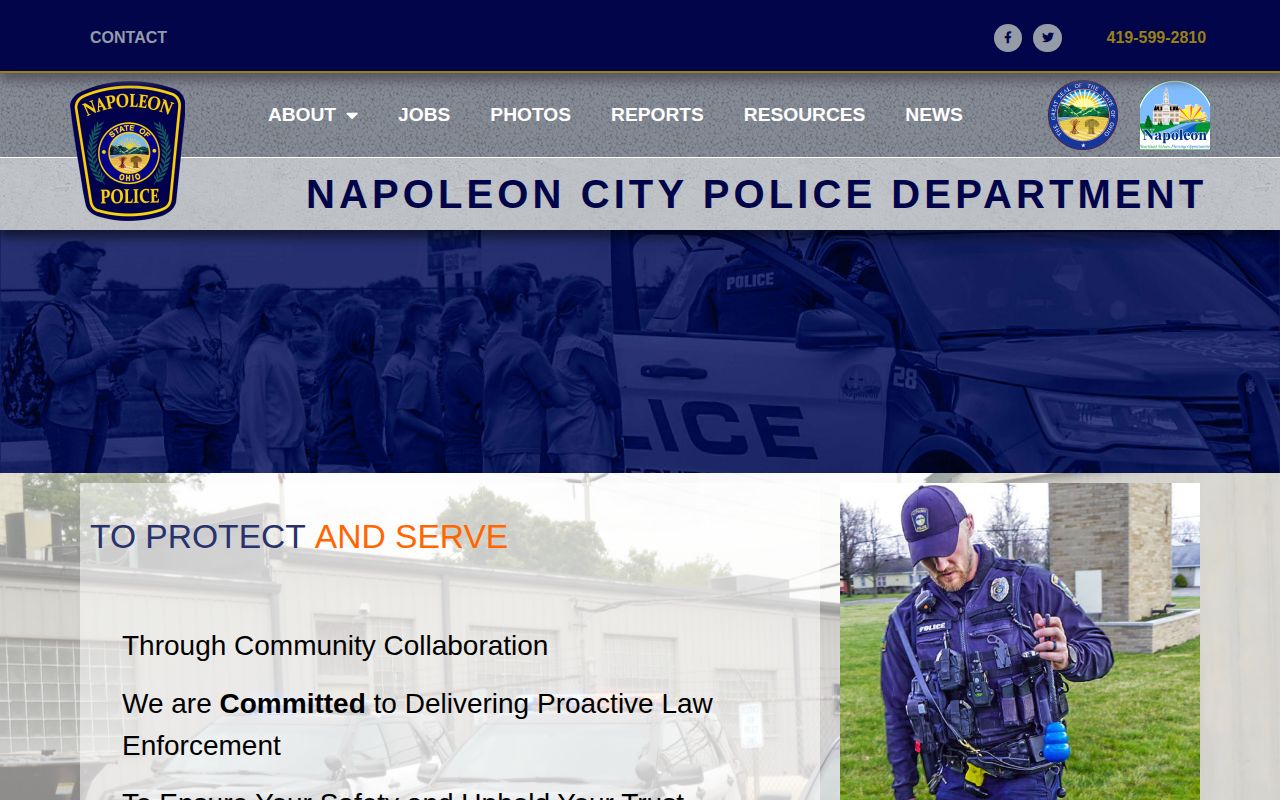
The department's page points to the municipal custodian. It shows no booking photos of any individual.
CCNO performs intake, so a booking sheet or photograph usually requires a separate request there. Call CCNO at 419-428-3800, extension 201, for its public-records channel. Ohio public-record law still permits exemptions and redactions. So a booking does not open medical, juvenile, confidential investigative, or protected safety material to the public.
Keep each request precise. Ask Napoleon Police for the public portion of the incident or arrest report, with the date and place of the event. For CCNO, name the booking document or photo and include the booking number when you have it. CCNO accepts mail, in-person, and telephone requests under its public-records policy. Standard single-sided copies cost 25 cents per page. Requests are handled within a reasonable period. Those terms belong to CCNO alone. Napoleon Police publishes no matching copy fee.
Napoleon Arrest Photos After Intake
CCNO photographs and fingerprints every person at intake for identification. The public booking files tell a different story, though. They show text fields only, with no photo gallery. So an entry reading "No photo shown" is not proof that no picture exists. The image simply sits with the booking custodian. You have to ask.
A narrow request works best. Give the person's full name and the exact booking date. Include the booking number if you have it, plus the arresting agency. Then send it to CCNO. Some images never reach the jail at all. A scene photo or a police-report attachment can stay with Napoleon Police instead. The county booking-photo section sorts out these record types. It explains where Ohio draws its access limits.
The text views carry plenty of detail. They list name, booking date, age, physical descriptors, case number, charge, severity, court, status, date in, and an estimated out date. Fields vary between exports, and a file can change after you pull it. Frame your request around those fields rather than reading in facts they never state. A listed court, for instance, does not prove the arrest happened inside Napoleon. And a home address is no substitute for the named arresting agency.
Napoleon Arrest Records in Court
A Napoleon arrest record and its court file are cousins, not twins. Municipal matters go to the Napoleon Municipal Court. It sits at 1819 Oakwood Avenue, Napoleon, OH 43545. The court answers at 419-592-2851. Felony-level county cases follow the Henry County Clerk of Courts and CourtView route instead.
Names alone will trick you. Match on booking date, case number, court, and agency whenever you can. CourtView also has gaps worth knowing. Filings can lag behind online posting, especially across weekends and legal holidays. Nothing before 1995 appears in the system at all. A CCNO status like pretrial describes custody in the moment. It settles nothing about the charge itself.
Let the CCNO record point you to the right court. If it names Napoleon Municipal Court, start there rather than assuming Common Pleas. A felony-level entry sends you to the Clerk's CourtView route. The court staff can also tell you whether a record is sealed or restricted. An empty online search is never a verdict on what happened. Keep the case number handy. Ask the clerk for the correct public-record path whenever an entry looks unclear.
- Booking
- The jail intake event that creates a custody record.
- Charge
- An charge recorded by an agency or court.
- Disposition
- The later court outcome of a case or charge.
- Estimated out date
- A roster estimate, not a guaranteed release time or sentence.
After Napoleon Booking Custody Changes
People leave CCNO, but the paper trail stays behind. Release, a transfer, state sentencing, or federal custody can all pull a name off the active regional roster. So roster absence proves nothing about the arrest entry itself. It survives the custody change.
To track custody after that, use VINELink Custody Check for searches and notifications through the local VINE deployment. A move into Ohio's prison system shifts the search to the Ohio Department of Rehabilitation and Correction Offender Search. Federal custody runs through its own separate locator. The court docket is where the case itself lives on, no matter where the person is held.
Carry your identifiers between systems. The original agency and booking number separate people with similar names and tie a regional intake entry to the right Napoleon case. VINE answers custody questions. ODRC covers people sentenced into state prison. Neither one replaces the arresting agency's report, and a person released from CCNO may still face a pending Napoleon Municipal Court or Common Pleas matter. Ask each source only for the fact it controls.
Napoleon Police Records and News
Local news adds color, but it picks and chooses. The Northwest Signal covers Henry County communities. It has run police items involving Napoleon Police and the Sheriff. Its site carries no standing daily arrest or mugshot section, though. A story can run days after the booking, and arrests that editors skip never surface at all.
The third-party aggregators are another world entirely. Busted Newspaper, Mugshots.com, and Mugshots.zone all run county pages, yet they are unofficial, constantly shifting, and often stale. RecentlyBooked and Arrests.org list no Henry County section at all. Begin with Napoleon Police, CCNO, and the courts. If you do consult a third-party entry, check its date, agency, and case detail against the official sources before trusting anything.
Press releases and news reports serve a different job than a booking list. They explain why police responded, name an investigation, or note a later court action. They never try to capture every Napoleon arrest. For a defined recent window, the CCNO feeds win. For present custody, the active roster wins. When facts collide, rank the originating police report first. Put the jail record second and the court docket third, matched to the question you are actually asking.